enviro:bit
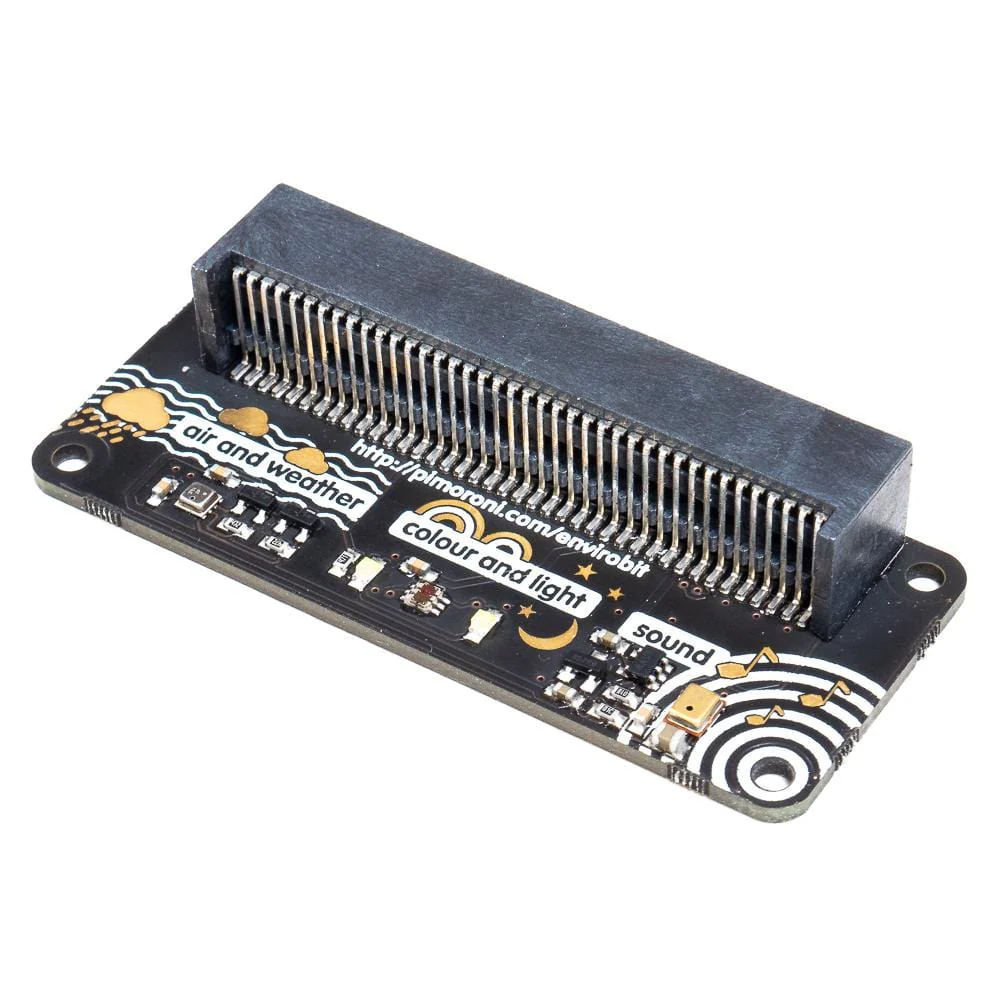
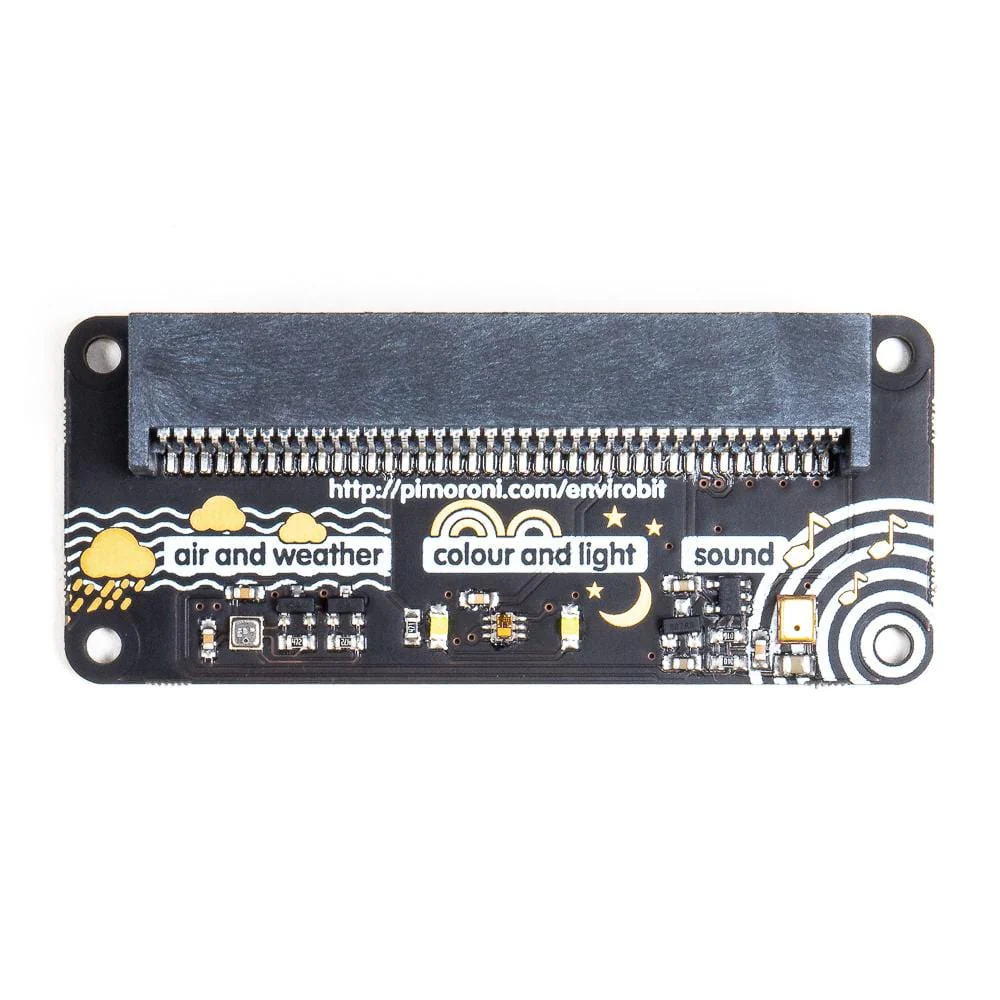
Sense the world around you with enviro:bit! It's loaded with sensors for air and weather, colour and light, and sound, and slots right onto your micro:bit.
Just slot in your micro:bit, then code enviro:bit with the block-based Microsoft MakeCode editor, or with MicroPython in the Mu code editor. The sensors go hand-in-hand really well with the LED matrix on micro:bit, letting you graph sensors readings or have the LEDs react to sound, for example.
Features
- Comes fully-assembled and ready to use
- BME280 temperature, pressure, and humidity sensor
- TCS3472 light and colour sensor
- MEMS microphone
- Compatible with micro:bit
- Microsoft MakeCode and MicroPython support
- No soldering required!
Software
You can code enviro:bit with the block-based Microsoft MakeCode editor, that'll get you started with using the sensor readings from enviro:bit, if you want to delve deeper, then you can use MicroPython in the Mu code editor.
To add the enviro:bit library in MakeCode, click on the cog at the top right hand corner, then "Add Package", then search for "envirobit". You can find full instructions at the GitHub repository for the library.
Our MicroPython library for enviro:bit is also available at GitHub, again with full instructions on how to get going with it.
Original: $35.13
-70%$35.13
$10.54
Description
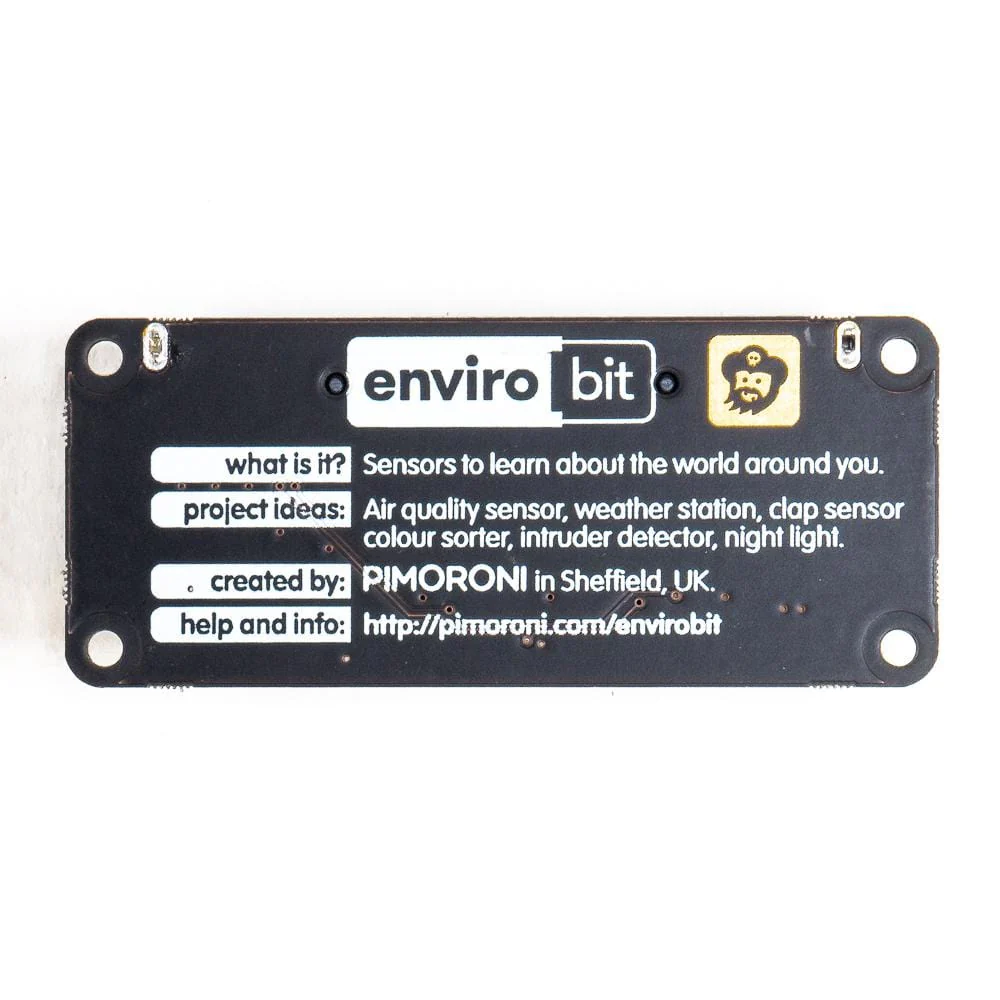
Sense the world around you with enviro:bit! It's loaded with sensors for air and weather, colour and light, and sound, and slots right onto your micro:bit.
Just slot in your micro:bit, then code enviro:bit with the block-based Microsoft MakeCode editor, or with MicroPython in the Mu code editor. The sensors go hand-in-hand really well with the LED matrix on micro:bit, letting you graph sensors readings or have the LEDs react to sound, for example.
Features
- Comes fully-assembled and ready to use
- BME280 temperature, pressure, and humidity sensor
- TCS3472 light and colour sensor
- MEMS microphone
- Compatible with micro:bit
- Microsoft MakeCode and MicroPython support
- No soldering required!
Software
You can code enviro:bit with the block-based Microsoft MakeCode editor, that'll get you started with using the sensor readings from enviro:bit, if you want to delve deeper, then you can use MicroPython in the Mu code editor.
To add the enviro:bit library in MakeCode, click on the cog at the top right hand corner, then "Add Package", then search for "envirobit". You can find full instructions at the GitHub repository for the library.
Our MicroPython library for enviro:bit is also available at GitHub, again with full instructions on how to get going with it.