automation:bit
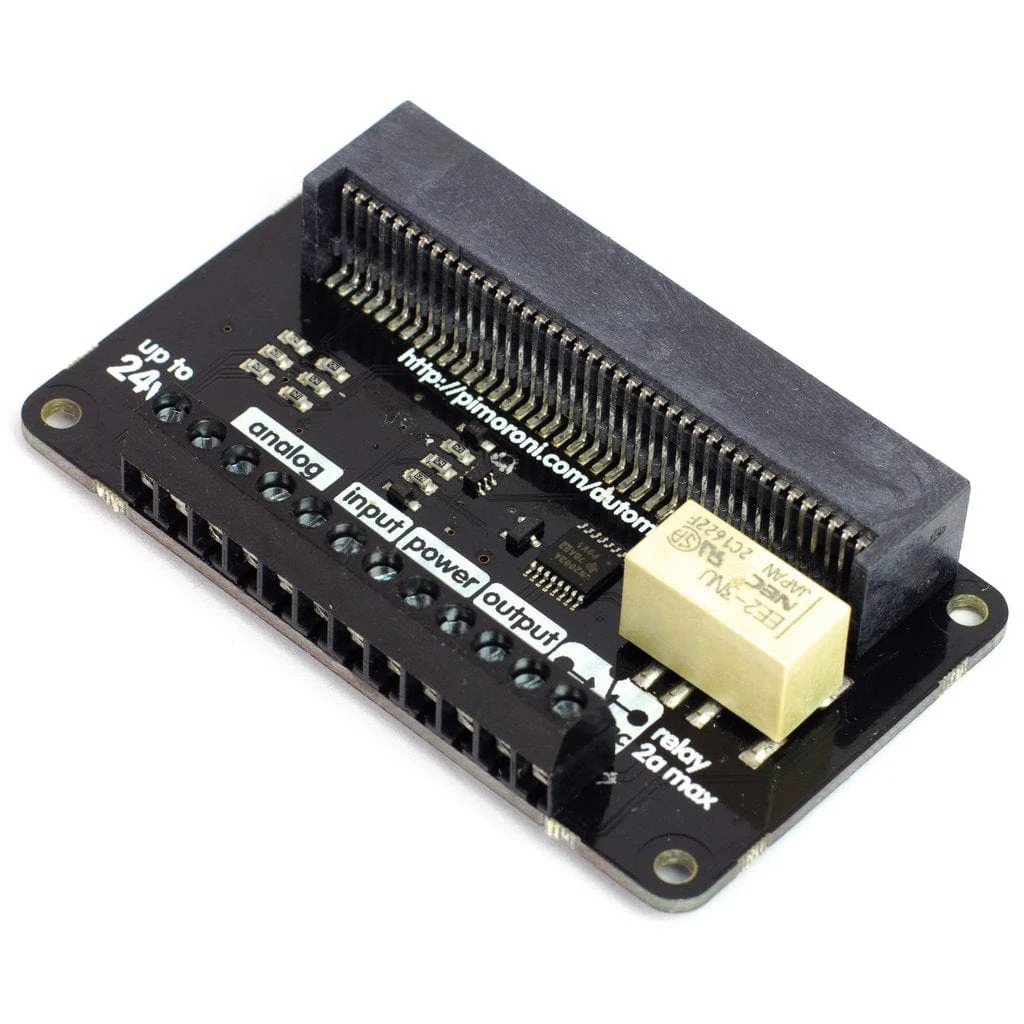
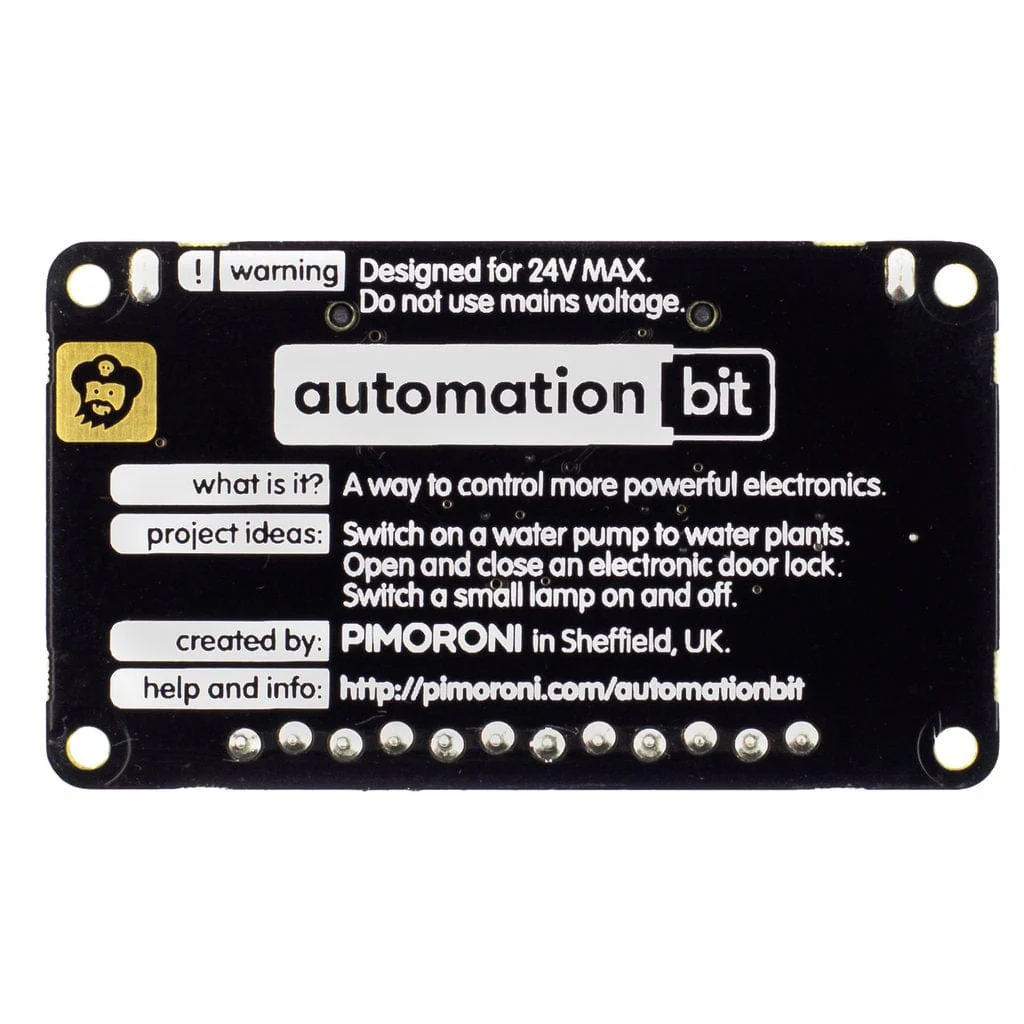
Control and monitor your world with automation:bit! It's tolerant of up to 24V, with analog and digital inputs, outputs, and a relay, so it's ideal for automating low-voltage systems in your home.
Just slot in your micro:bit, then code automation:bit with the block-based Microsoft MakeCode editor. Hook up buttons to the inputs, use the built-in buttons on micro:bit, or the light-sensing capability of the LED matrix to control devices connected to automation:bit. Or why not use a second micro:bit's radio function as a remote control?
WARNING! automation:bit should not be used with voltages greater than 24V and especially not with mains voltages!
Features
- Comes fully-assembled and ready to use
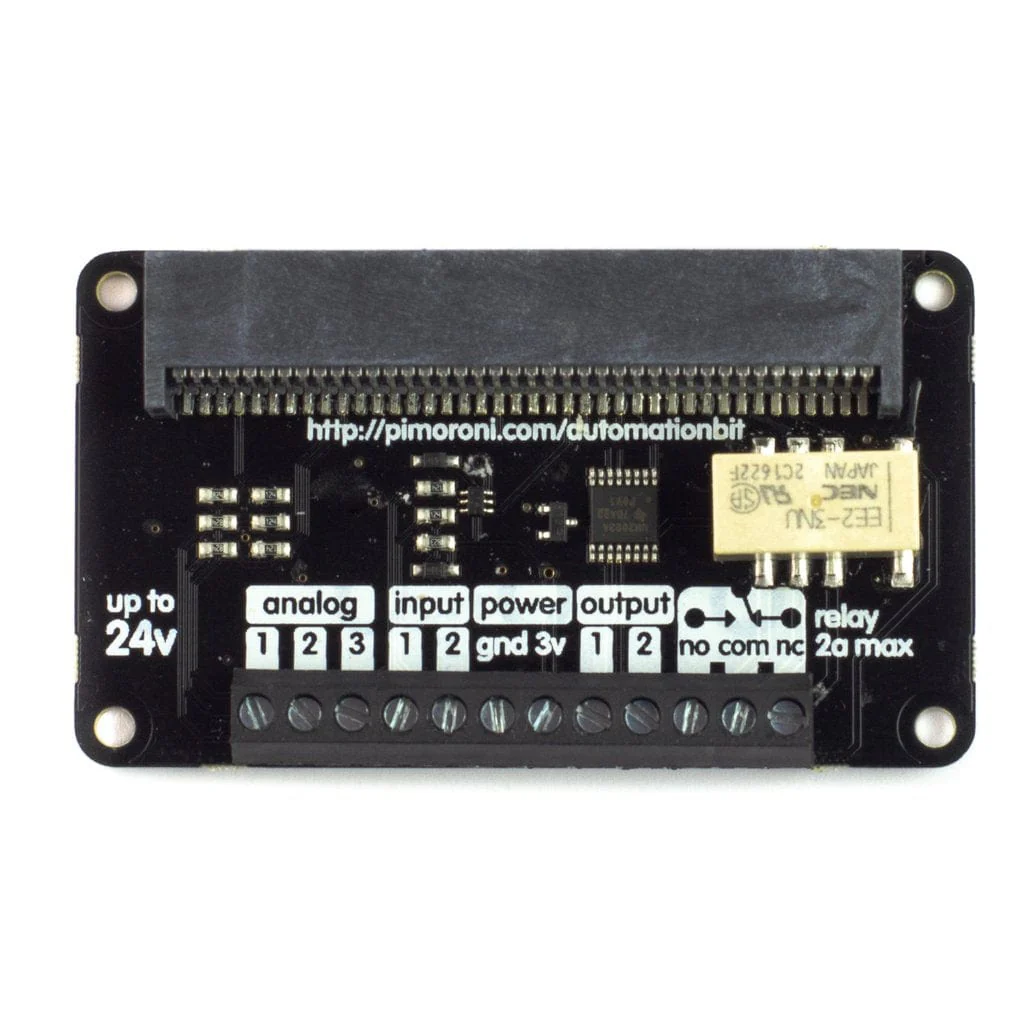
- 1 x 24V @ 2A relay (NC and NO terminals)
- 3 x ADC channels (0-24V range)
- 3 x 24V tolerant buffered inputs
- 3 x 24V tolerant sinking outputs
- 3.5mm screw terminals
- Compatible with micro:bit
- Microsoft MakeCode support
- No soldering required!
Software
You can code automation:bit with the block-based Microsoft MakeCode editor, that'll get you started with using all of automation:bit's functionality.
To add the automation:bit library in MakeCode, click on the cog at the top right hand corner, then "Add Package", then enter the URL "https://github.com/pimoroni/pxt-automationbit". You can find full instructions at the GitHub repository for the library.
Original: $20.42
-70%$20.42
$6.13
Description
Control and monitor your world with automation:bit! It's tolerant of up to 24V, with analog and digital inputs, outputs, and a relay, so it's ideal for automating low-voltage systems in your home.
Just slot in your micro:bit, then code automation:bit with the block-based Microsoft MakeCode editor. Hook up buttons to the inputs, use the built-in buttons on micro:bit, or the light-sensing capability of the LED matrix to control devices connected to automation:bit. Or why not use a second micro:bit's radio function as a remote control?
WARNING! automation:bit should not be used with voltages greater than 24V and especially not with mains voltages!
Features
- Comes fully-assembled and ready to use
- 1 x 24V @ 2A relay (NC and NO terminals)
- 3 x ADC channels (0-24V range)
- 3 x 24V tolerant buffered inputs
- 3 x 24V tolerant sinking outputs
- 3.5mm screw terminals
- Compatible with micro:bit
- Microsoft MakeCode support
- No soldering required!
Software
You can code automation:bit with the block-based Microsoft MakeCode editor, that'll get you started with using all of automation:bit's functionality.
To add the automation:bit library in MakeCode, click on the cog at the top right hand corner, then "Add Package", then enter the URL "https://github.com/pimoroni/pxt-automationbit". You can find full instructions at the GitHub repository for the library.