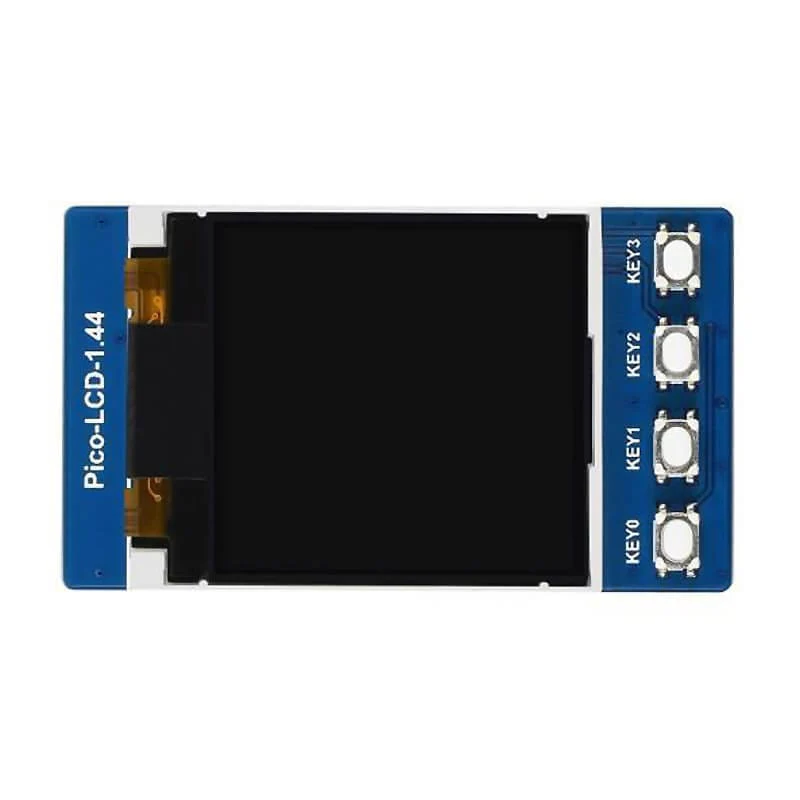
1.44" LCD Display Module for Raspberry Pi Pico (128×128)
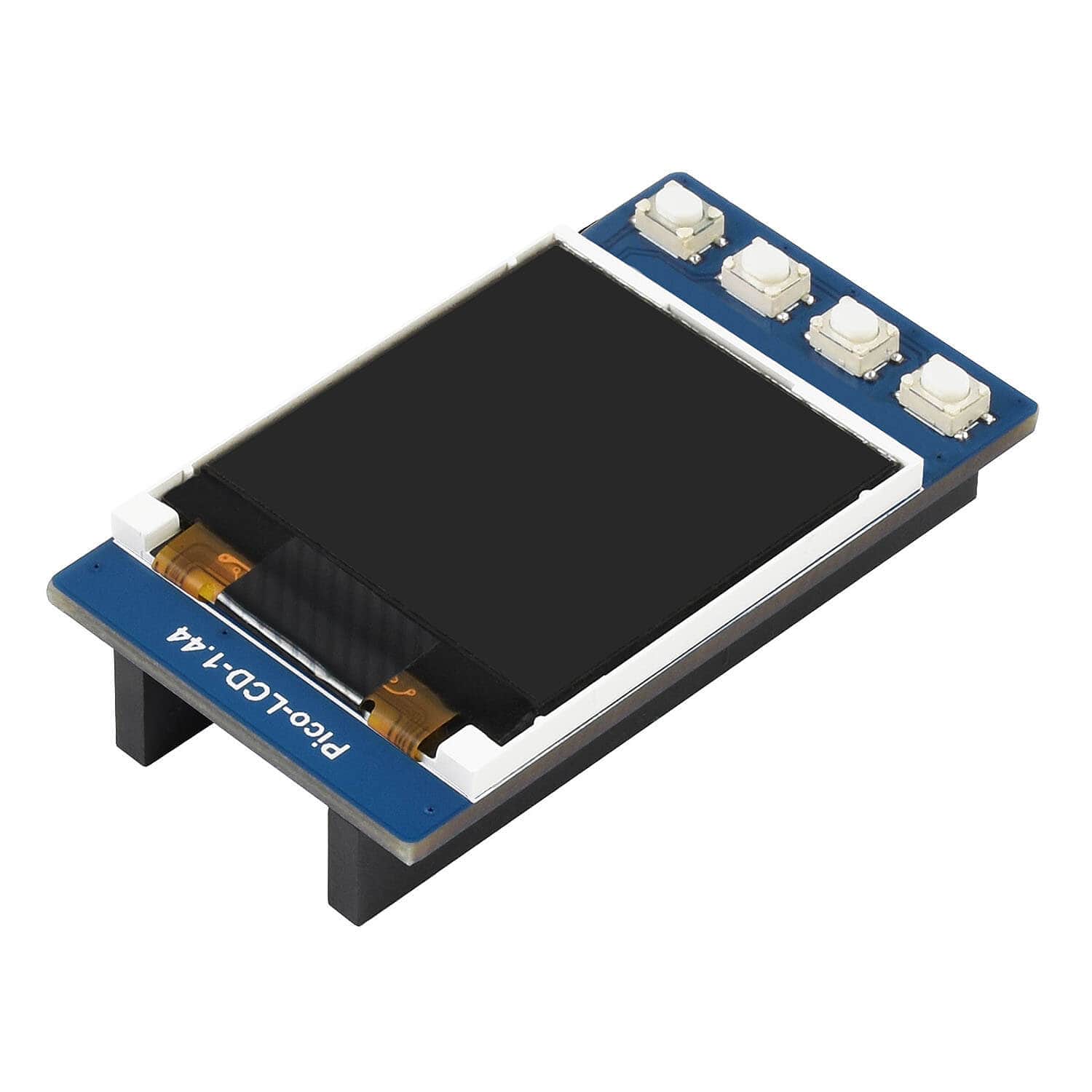
Are you looking for a small LCD display for your next Raspberry Pi Pico project? This 1.44" TFT LCD from Waveshare might be just what you are looking for.
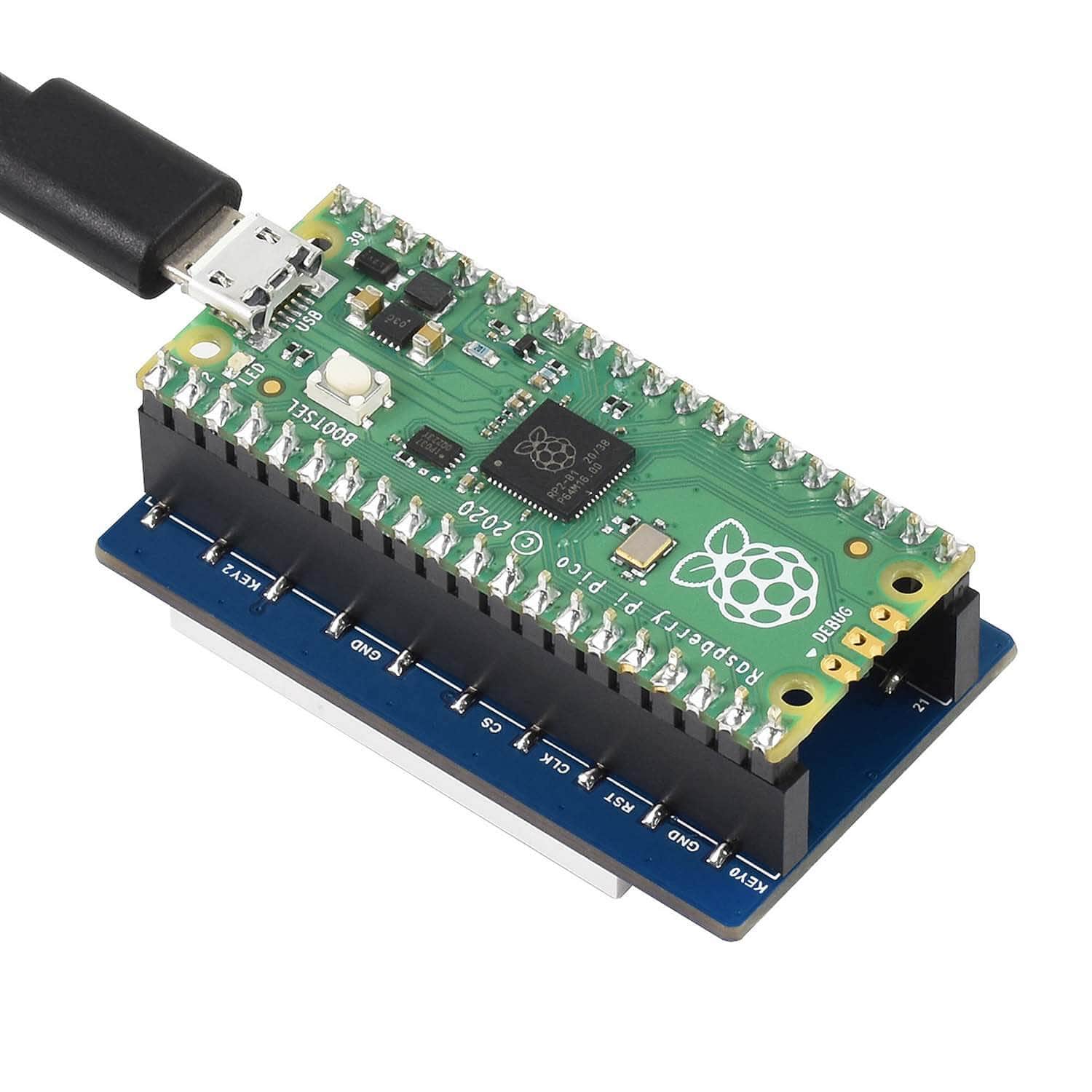
The display features a resolution of 128 x 128 pixels and is designed to plug directly onto a Raspberry Pi Pico.
Online development resources are available, which include wiring guidance and example code with additional information on the Product Wiki & Manual.
We also have our own set of tutorials teaching you how to use these displays with MicroPython:
- Colour Control
- Coding Graphics
- Advanced Text/Fonts
Also check out the PasswordVault project by Olav Schettler, that stores all your passwords securely and encrypted and can display them on the screen and type them into a password field!
A Raspberry Pi Pico is not included - click here if you'd like to buy one. Your Pico will need to have male headers soldered to it with the pins pointing downwards (or grab one of our Pre-soldered Picos).
Features
- 128×128 resolution
- 65K RGB colours
- SPI interface requires minimal IO pins
- 4x user buttons for easy interaction
- Online development resources and manual
Specifications
- Operating voltage: 3.15~5V
- Resolution: 128×128 pixels
- Communication interface: 4-wire SPI
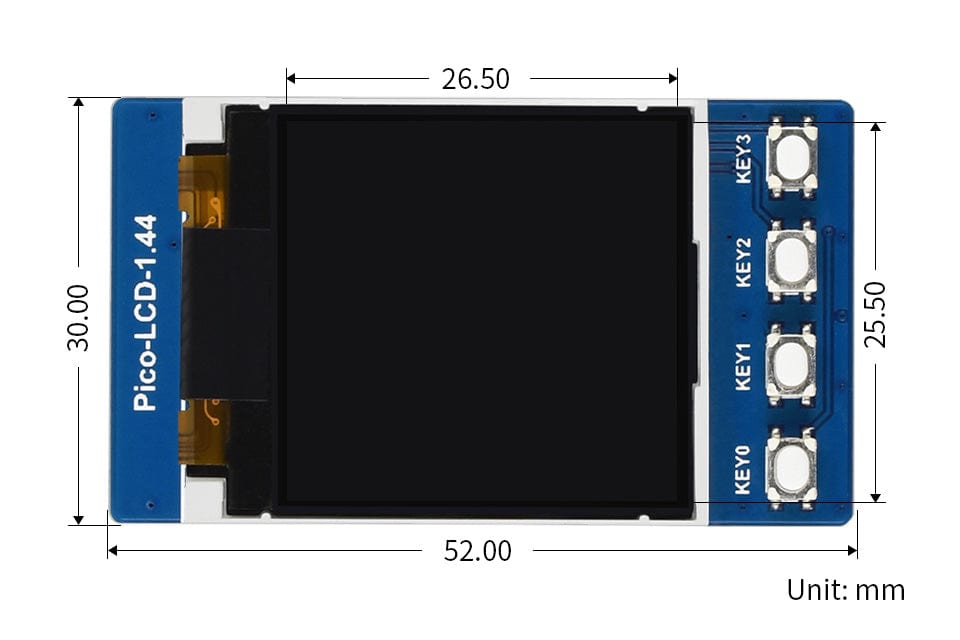
- Display size: 25.50 × 26.50 mm
- Display panel: TFT
- Pixel size: 0.20 × 0.20 mm
- Driver: ST7735S
- Dimensions: 52.0 × 30.0 mm
Package Contents
- 1x - Pico 1.44" LCD
Resources
- Product Wiki & Manual
- The Pi Hut Tutorials:
- Colour Control
- Coding Graphics
- Advanced Text/Fonts
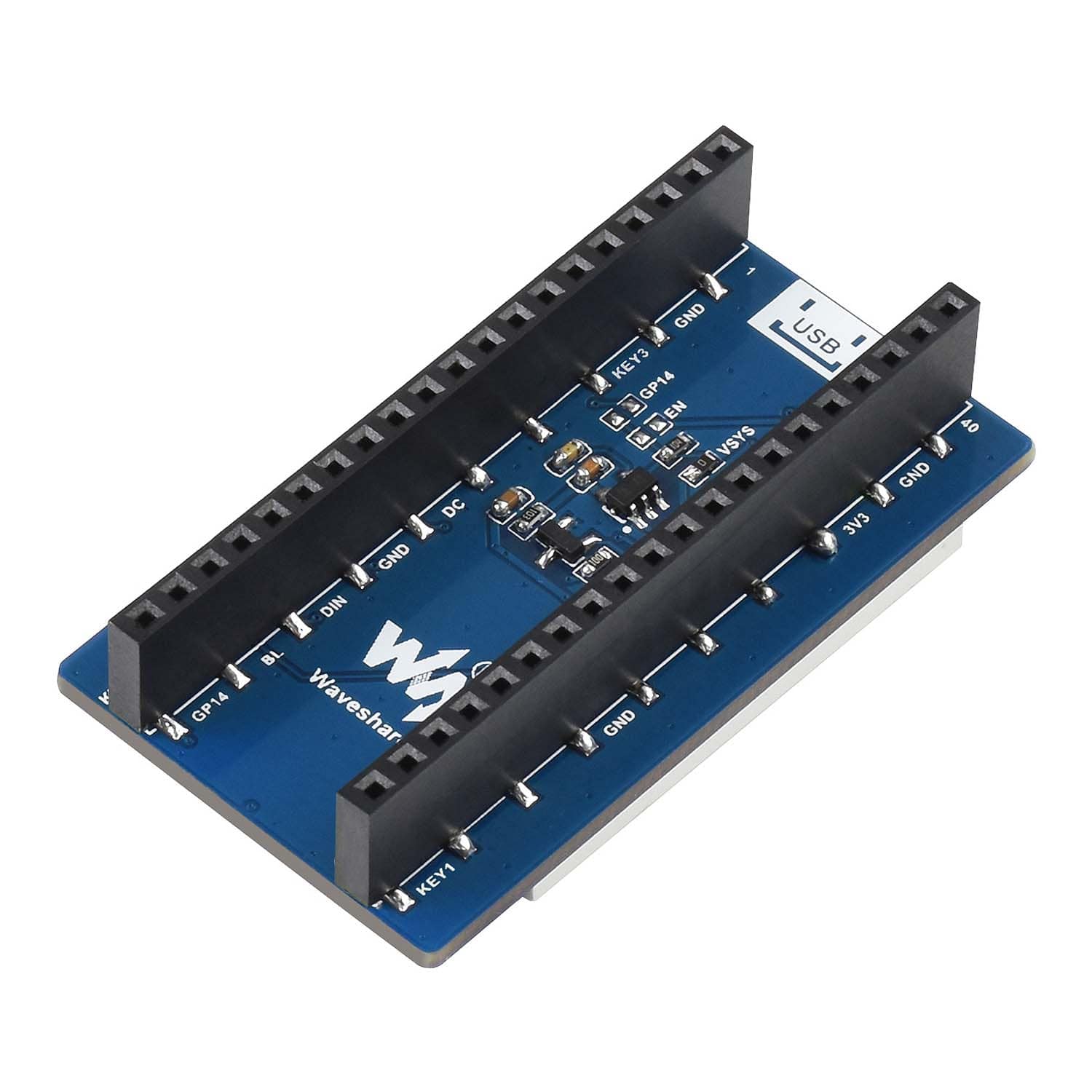
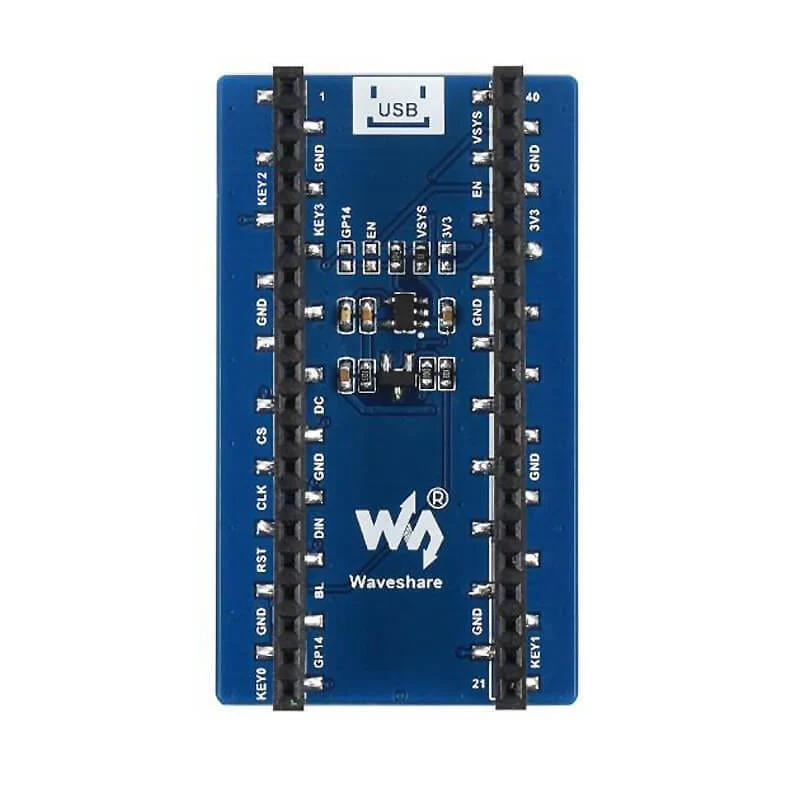
Pinout

Dimensions
Original: $11.16
-70%$11.16
$3.35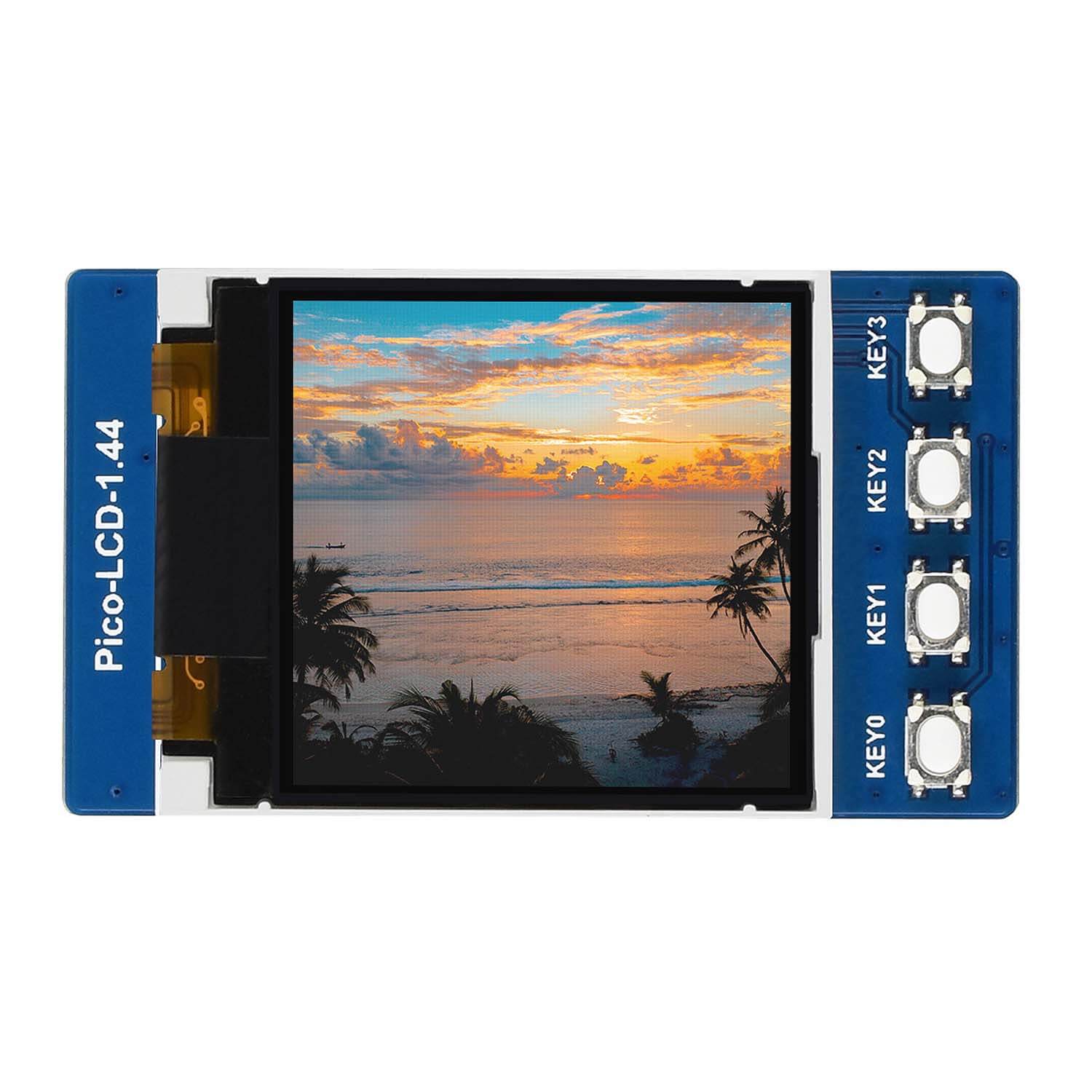
Description
Are you looking for a small LCD display for your next Raspberry Pi Pico project? This 1.44" TFT LCD from Waveshare might be just what you are looking for.
The display features a resolution of 128 x 128 pixels and is designed to plug directly onto a Raspberry Pi Pico.
Online development resources are available, which include wiring guidance and example code with additional information on the Product Wiki & Manual.
We also have our own set of tutorials teaching you how to use these displays with MicroPython:
- Colour Control
- Coding Graphics
- Advanced Text/Fonts
Also check out the PasswordVault project by Olav Schettler, that stores all your passwords securely and encrypted and can display them on the screen and type them into a password field!
A Raspberry Pi Pico is not included - click here if you'd like to buy one. Your Pico will need to have male headers soldered to it with the pins pointing downwards (or grab one of our Pre-soldered Picos).
Features
- 128×128 resolution
- 65K RGB colours
- SPI interface requires minimal IO pins
- 4x user buttons for easy interaction
- Online development resources and manual
Specifications
- Operating voltage: 3.15~5V
- Resolution: 128×128 pixels
- Communication interface: 4-wire SPI
- Display size: 25.50 × 26.50 mm
- Display panel: TFT
- Pixel size: 0.20 × 0.20 mm
- Driver: ST7735S
- Dimensions: 52.0 × 30.0 mm
Package Contents
- 1x - Pico 1.44" LCD
Resources
- Product Wiki & Manual
- The Pi Hut Tutorials:
- Colour Control
- Coding Graphics
- Advanced Text/Fonts
Pinout
Dimensions